
Exodus Community
The Command & Conquer: Renegade Exodus Co-Op server.
Renz0r.net has merged with Exodus: more people on the same great server.
- Location
- Hosted in Europe
- Address
85.215.107.108:4852
- Current map
- -
- Players
- -
- Time left
- -
Live data from CnCNet · refreshes every minute
Who's playing
| Player | Team | Score | Ping |
|---|
"Join Server" opens the game straight onto the server if your Renegade install handles renegade:// links. If nothing happens, join 85.215.107.108:4852 from the in-game server list.
Not sure how to connect? Have a look at CnCNet, W3D Hub or Tiberian Technologies.
Map rotation
The maps the server cycles through, in order. In game, type !rotation to see the list; the map currently being played is shown in [brackets].
Click a row with to open a preview of that map.
| Map | Campaign name / Note |
|---|---|
ttm1 |
Custom map |
City |
Original multiplayer map, changed to allow co-op |
Complex |
Original multiplayer map, changed to allow co-op |
Walls |
Original multiplayer map, changed to allow co-op |
Mesa |
Original multiplayer map, changed to allow co-op |
Canyon |
Original multiplayer map, changed to allow co-op |
Under |
Original multiplayer map, changed to allow co-op |
Coop_B01_B6 |
Custom co-op map |
Coop_B02_B10 |
Custom co-op map |
Coop_Tropics_B1 |
Custom co-op map |
Volcano |
Original multiplayer map, changed to allow co-op |
Islands |
Original multiplayer map, changed to allow co-op |
Hourglass |
Original multiplayer map, changed to allow co-op |
Skirmish00 |
Original skirmish map |
M00_Tutorial |
Tutorial - campaign training level |
M13 |
Mission 1: The Scorpion Hunters - the first mission's file is numbered 13 |
M01 |
Mission 2: Rescue and Retribution |
M02 |
Mission 3: Armored Assault |
M03 |
Mission 4: The Plot Erupts |
M04 |
Mission 5: Stowaway |
M05 |
Mission 6: Deadly Reunion |
M06 |
Mission 7: The Grip of the Black Hand |
M07 |
Mission 8: Obelisk of Oppression |
M08 |
Mission 9: Evolution of Evil |
M09 |
Mission 10: All Brains, No Brawn |
M10 |
Mission 11: Tomorrow's Technology Today |
M11 |
Mission 12: Stomping on Holy Ground |
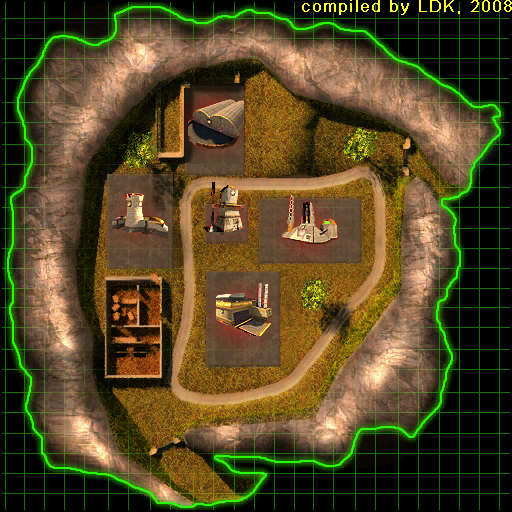
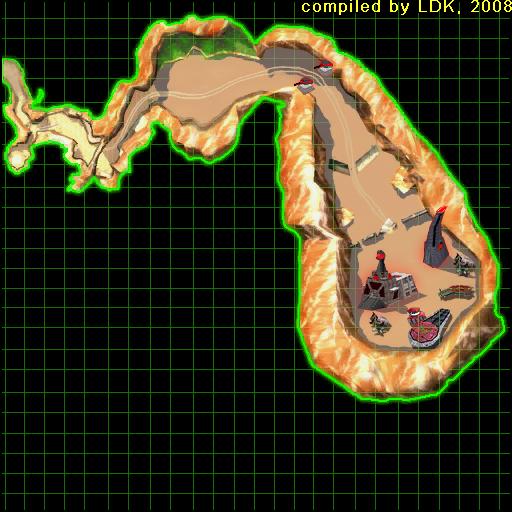
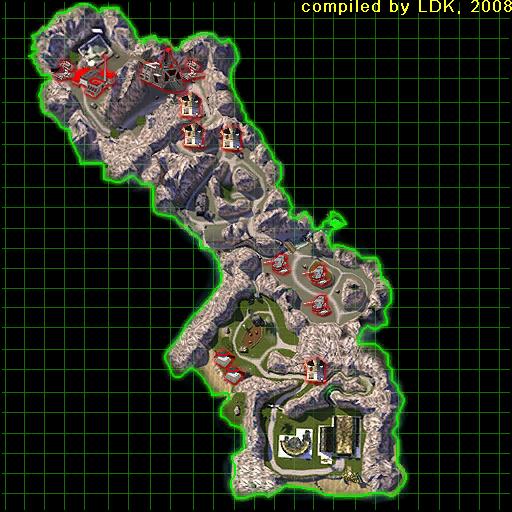
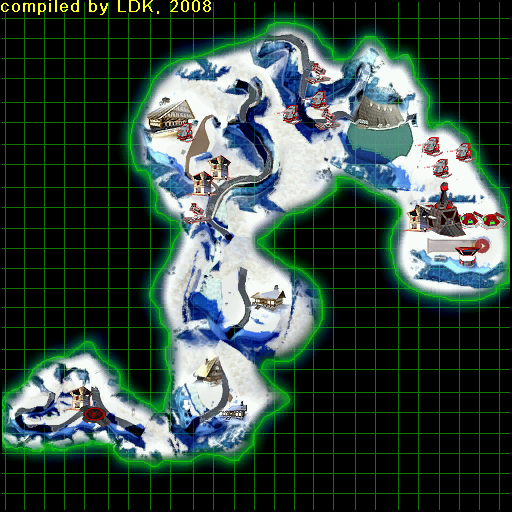
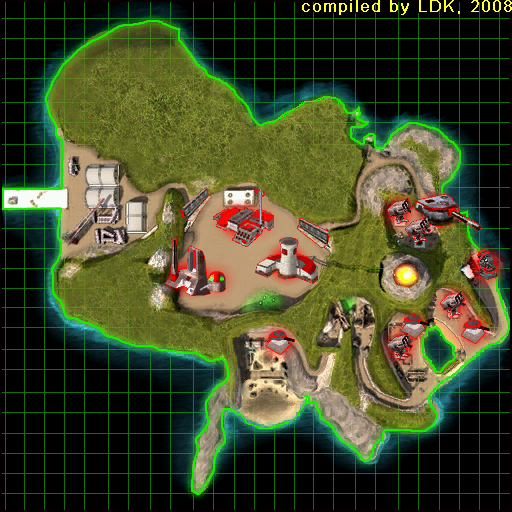
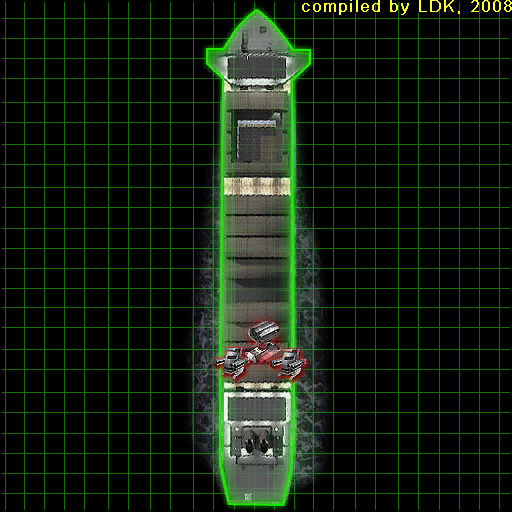
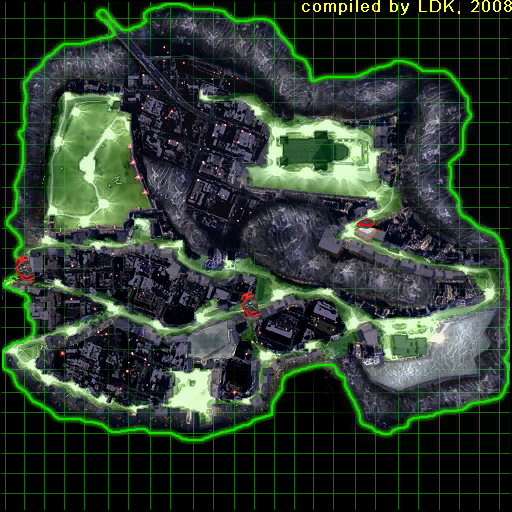
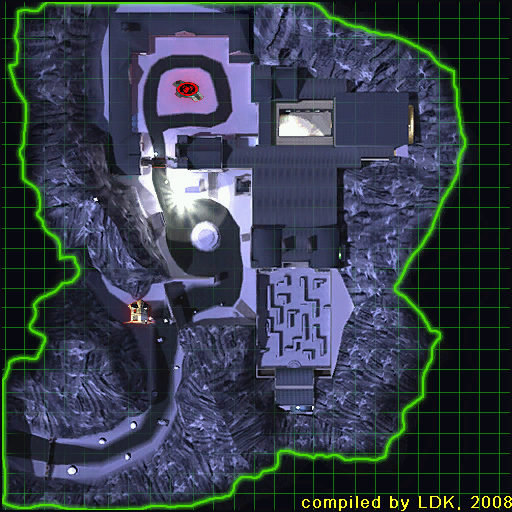
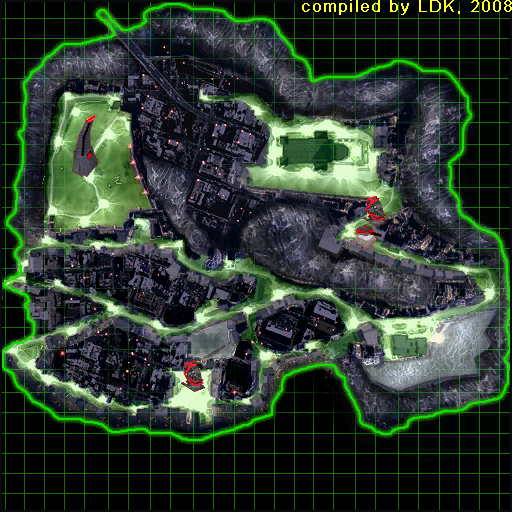
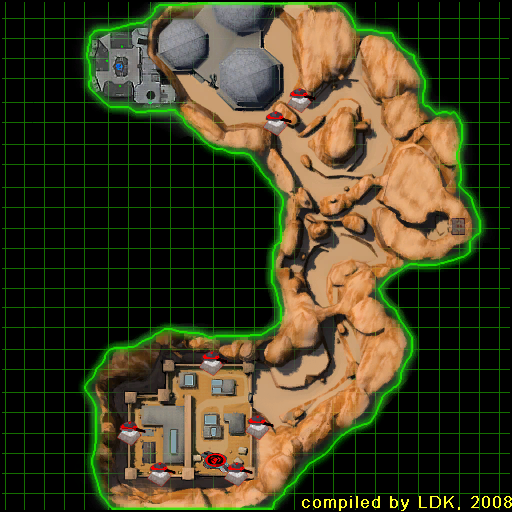
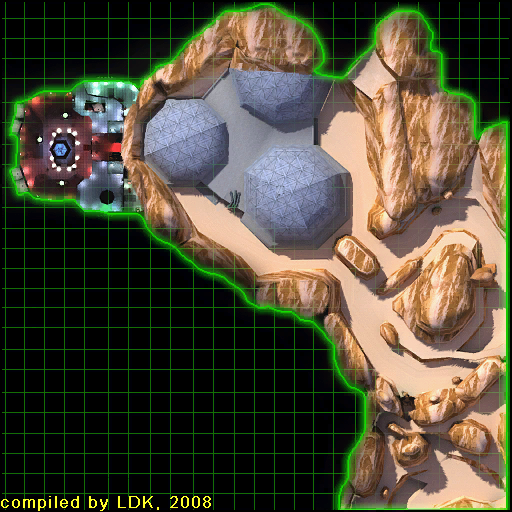
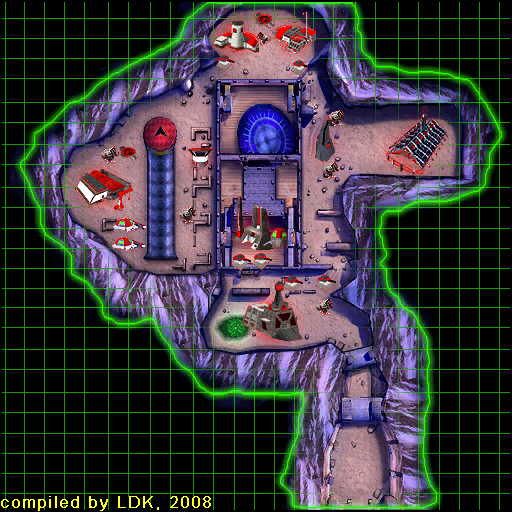
Map images: credit to vgmaps.de
IRC
| Setting | Value |
|---|---|
| Server | 85.215.107.108 |
| Port | 6667 (no SSL) |
| Channel | #exodus-home |
All Exodus servers can be found at 85.215.107.108 on their usual ports, so IRC is 85.215.107.108:6667.
Don’t use irc.exoduscommunity.com: the exoduscommunity.com domain has lapsed, so that name no longer reaches the server.
#exodus-home only lets in registered nicknames, so you have to register yours once (step 4).
Free clients
| System | Client |
|---|---|
| HexChat, AdiIRC or Halloy | |
| LimeChat or Halloy | |
| HexChat or Halloy (both usually in your package manager), or WeeChat in a terminal |
While searching for IRC software, mIRC may appear: this is paid software with a free trial.
How to connect
- Add the server. In your client’s server list, add a new network with server
85.215.107.108, port6667, and SSL/TLS turned off. In HexChat, the server is written as85.215.107.108/6667; leave “Use SSL” unticked. - Pick a nickname. Using your in-game name makes you easy to recognise.
- Connect. If you try to join the channel now you will get “unable to join channel (not using registered nickname)”, which is expected.
-
Register your nickname. Because of bot attacks, you must stay connected for 30 minutes first. Then type:
/msg NickServ REGISTER yourpassword youremail@example.comIf you get a confirmation e-mail, follow it.
-
Join the channel:
/join #exodus-home
From then on, log in each time you connect with /msg NickServ IDENTIFY yourpassword, or put the password in your client’s NickServ password (or SASL) field so it happens automatically.